One player for your
entire audio library
Organize and enjoy your personal music library, audiobooks, podcasts, and radio stations in one place. Import your CDs, discover stations from around the world, and transfer your audio to the devices you already use.
Free for 14 days. No card required.
Mac, Windows & LinuxGet the Desktop App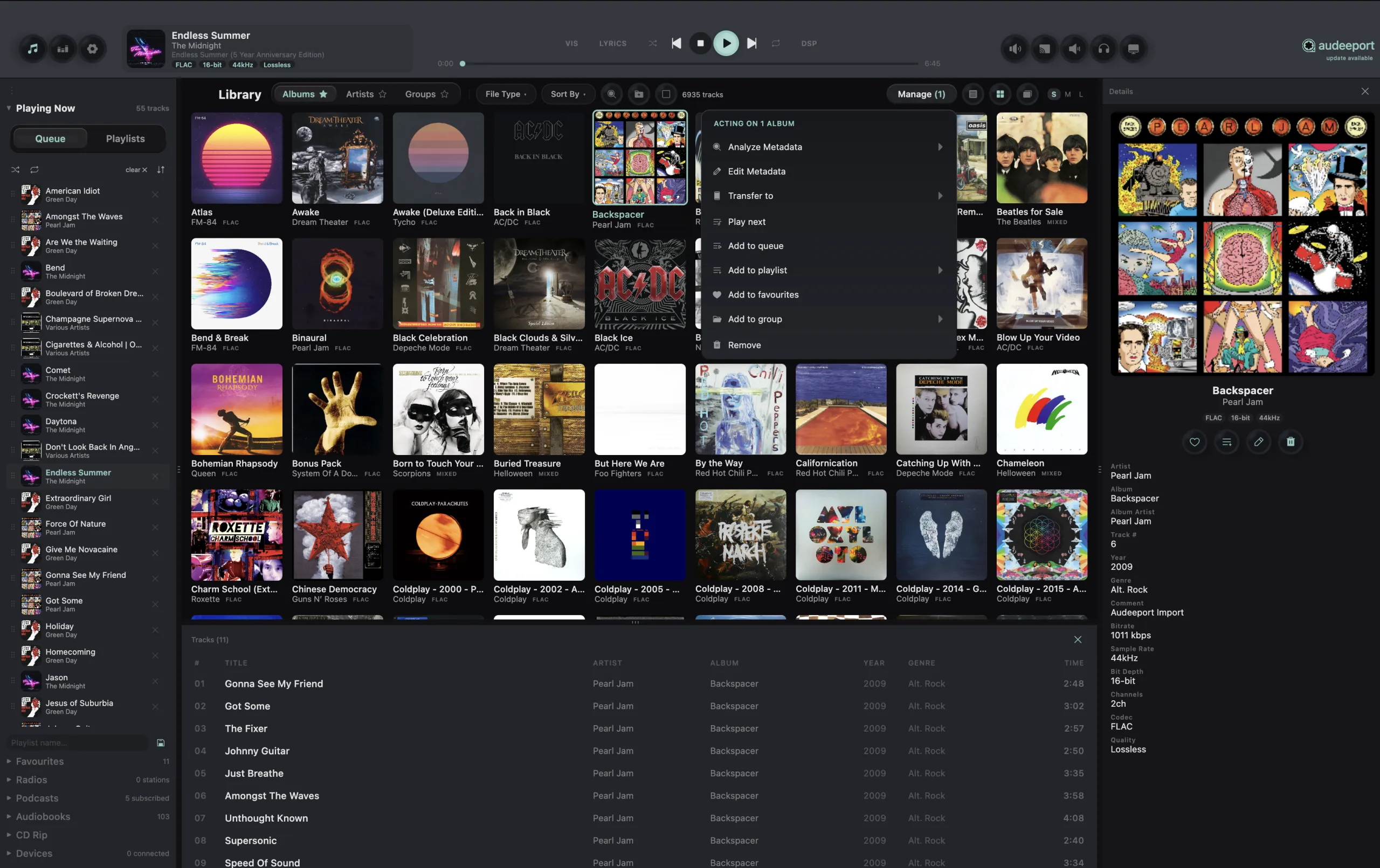
Clear and accurate sound
Your audio is played with high precision from start to finish. The app automatically adjusts playback for each track, supports high resolution audio, and keeps albums and live recordings flowing smoothly without gaps or clicks.
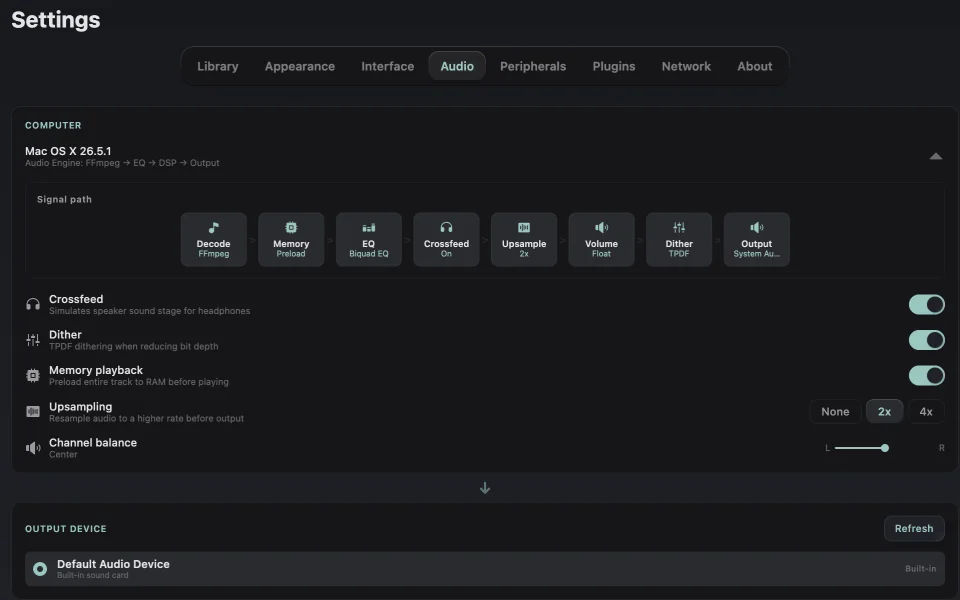
On supported devices, you can also use exclusive playback for a more direct audio path. The app will let you know whenever volume, EQ, or other sound settings change the original signal.
Sound tuned for every setup
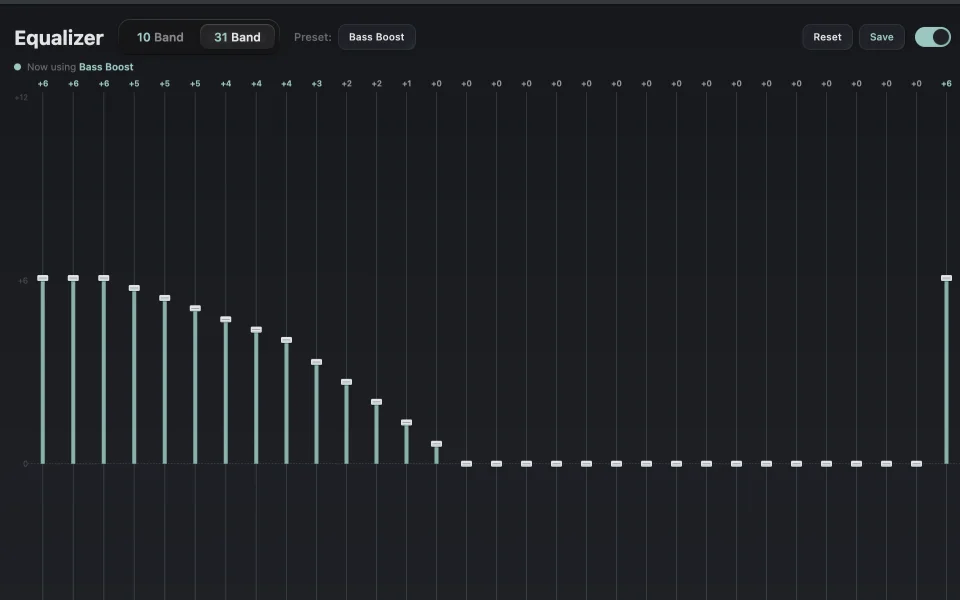
Create different sound profiles for your headphones, speakers, IEMs, or built in audio and switch between them in one click. Use a simple 10 band EQ or fine tune your sound with a full 31 band parametric EQ.
You can also import ready made correction profiles for more than four thousand headphone models. Switching profiles is smooth, with no clicks or interruptions.
Shape your sound
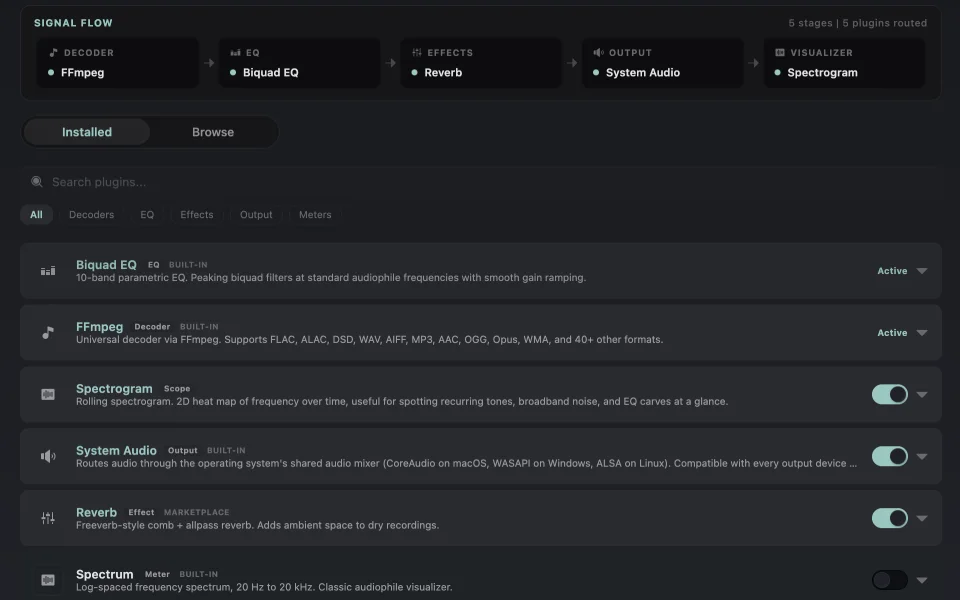
Choose which effects you want to use and arrange them in the order that works best for you. Add tools like crossfeed, reverb, tube saturation, loudness monitoring, vinyl simulation, and advanced EQ.
The app shows the full audio path in Settings, so you can always see what is happening between your file and your speakers or headphones. You can even switch audio outputs while a track is playing.
Built for large collections
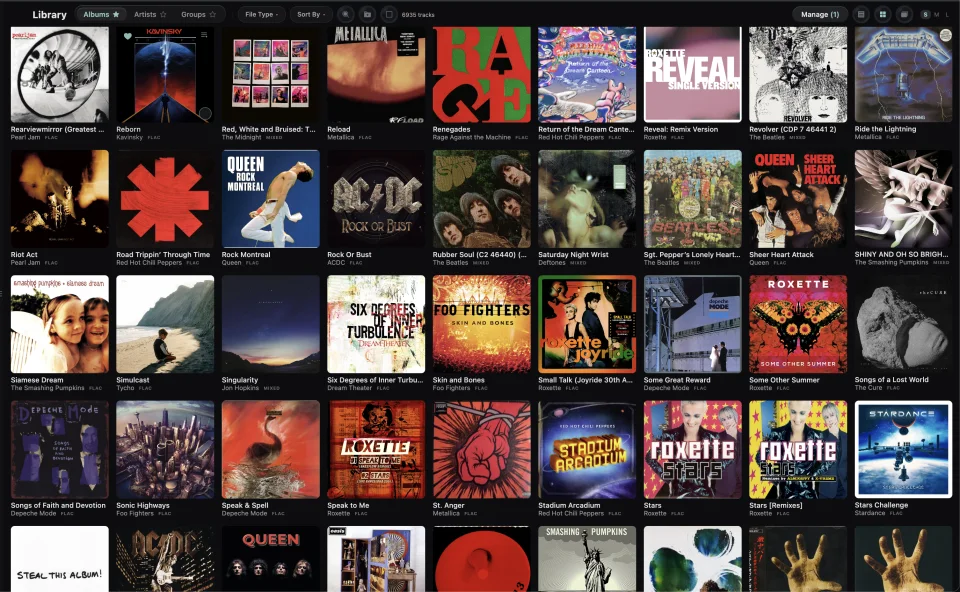
Add music from any folder or drive without moving or copying your files. Browse your collection by album, artist, or genre, and choose the view that works best for you.
External drives stay in your library even when they are disconnected. Scans pick up where they left off if the app closes. Built in tools also help you find duplicates, check your library, view statistics, and create backups.
Audiobooks that stay in sync
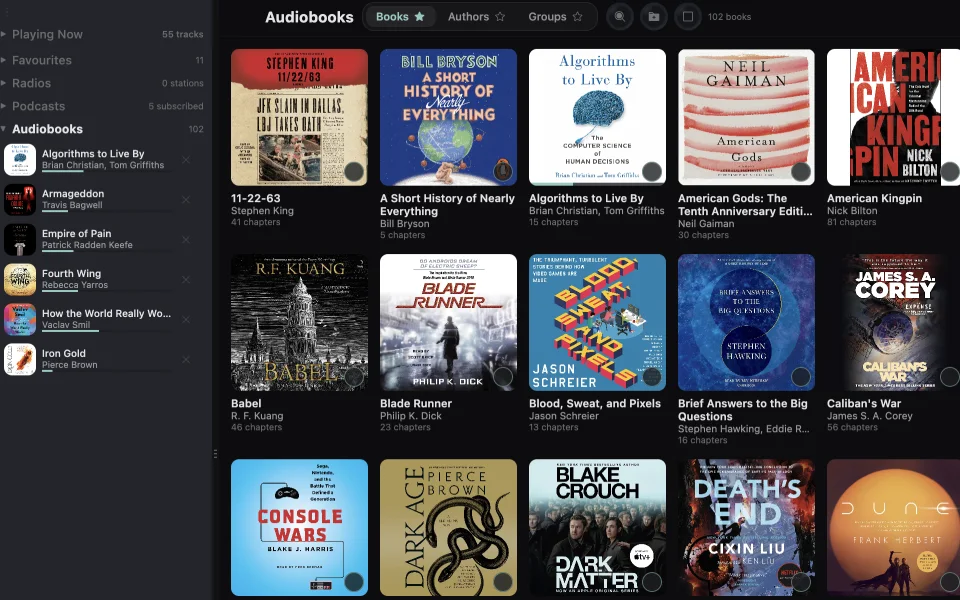
Add your audiobook folders and the app will automatically organise your books and chapters. Your listening position is saved as you go, so you can always continue where you left off.
Skip forward or back by 10 seconds, adjust the playback speed without changing the pitch, and choose a different speed for each book. When you transfer an audiobook to a digital audio player, its chapter structure goes with it.
Radio and podcasts from around the world
Explore thousands of internet radio stations and filter them by country, language, or genre. Discover public broadcasters, independent stations, and specialist feeds from around the world.
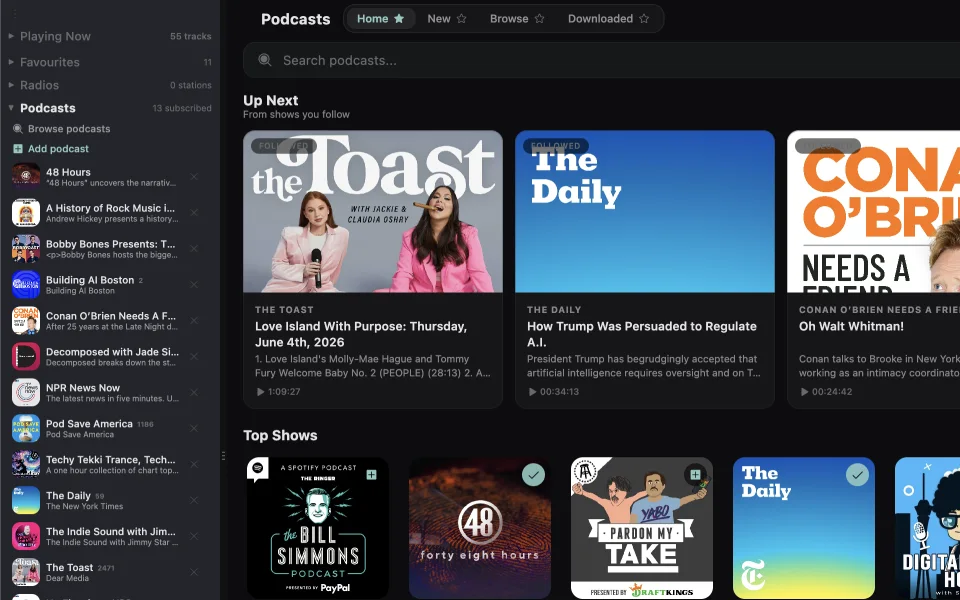
You can also subscribe to podcasts by RSS and keep everything together in the same player. When transcripts are available, the app loads them automatically. When they are not, you can create one directly on your device.
Bring your music together
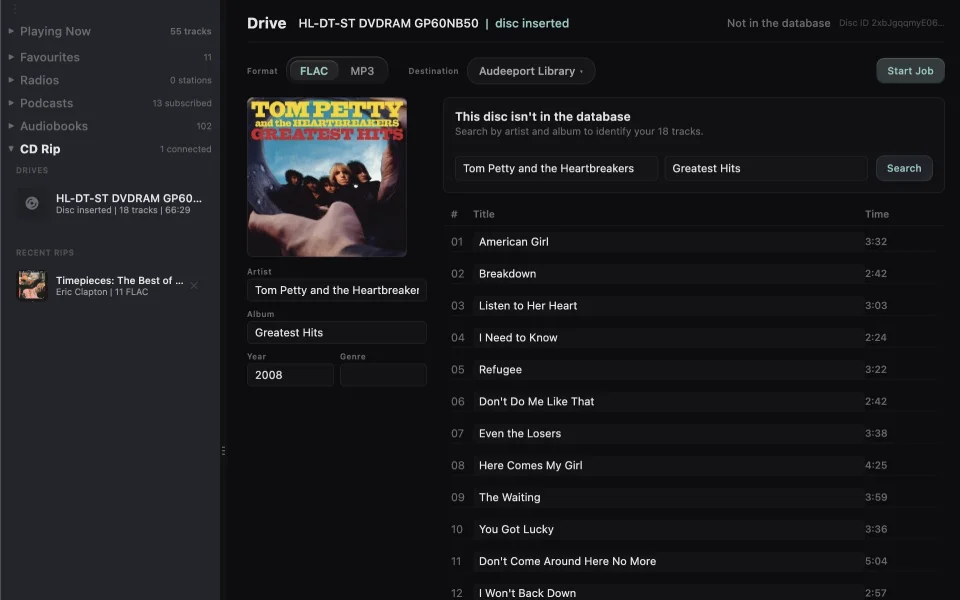
Add music from your computer, external drives, NAS servers, and shared folders. You can also rip your CDs, which means converting them into digital albums in your library.
The app can look up track names, album details, artwork, and other metadata for you. You can review the results and edit anything that is missing or incorrect before adding the album to your library.
Take your library beyond the app
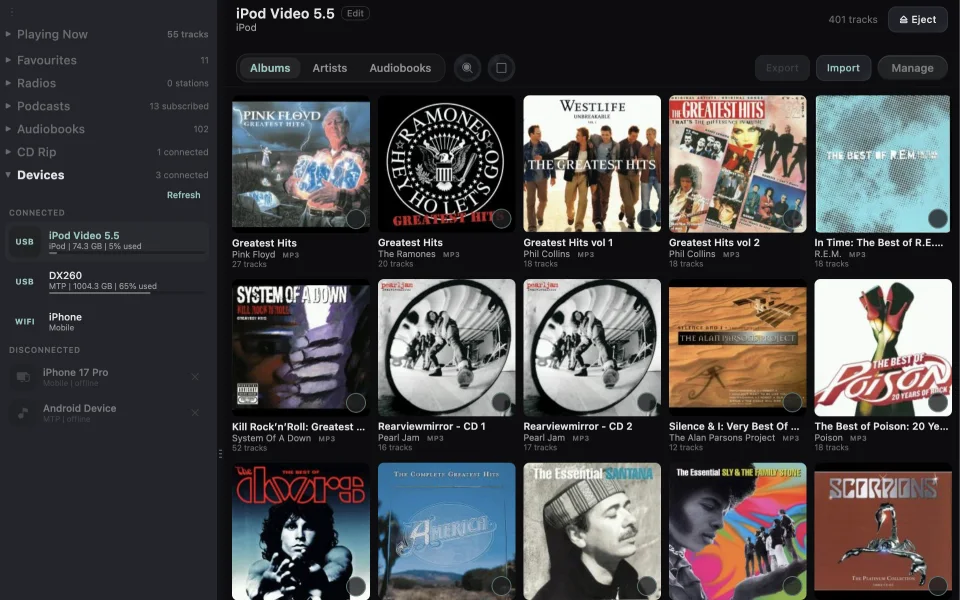
Sync your music and audiobooks to iPods, digital audio players, Android devices, and USB drives over USB or WiFi. The app supports classic iPods, Rockbox devices, and other players, with artwork, tags, storage details, and safe eject built in.
When needed, FLAC files can be converted automatically for older devices. You can also stream directly from NAS servers, shared folders, and network drives, so your library stays available across your home without copying everything locally.
More built in
A few more tools and thoughtful details that make the app easier to use every day.
Your music does not need another subscription
For about the price of one month of music streaming, you can keep Audeeport for life. Pay once and enjoy your own music and audiobooks without another monthly bill.